We are excited to announce the 25R3.2 release. The new capabilities delivered include:
Compass Platform
Multiple Term Search
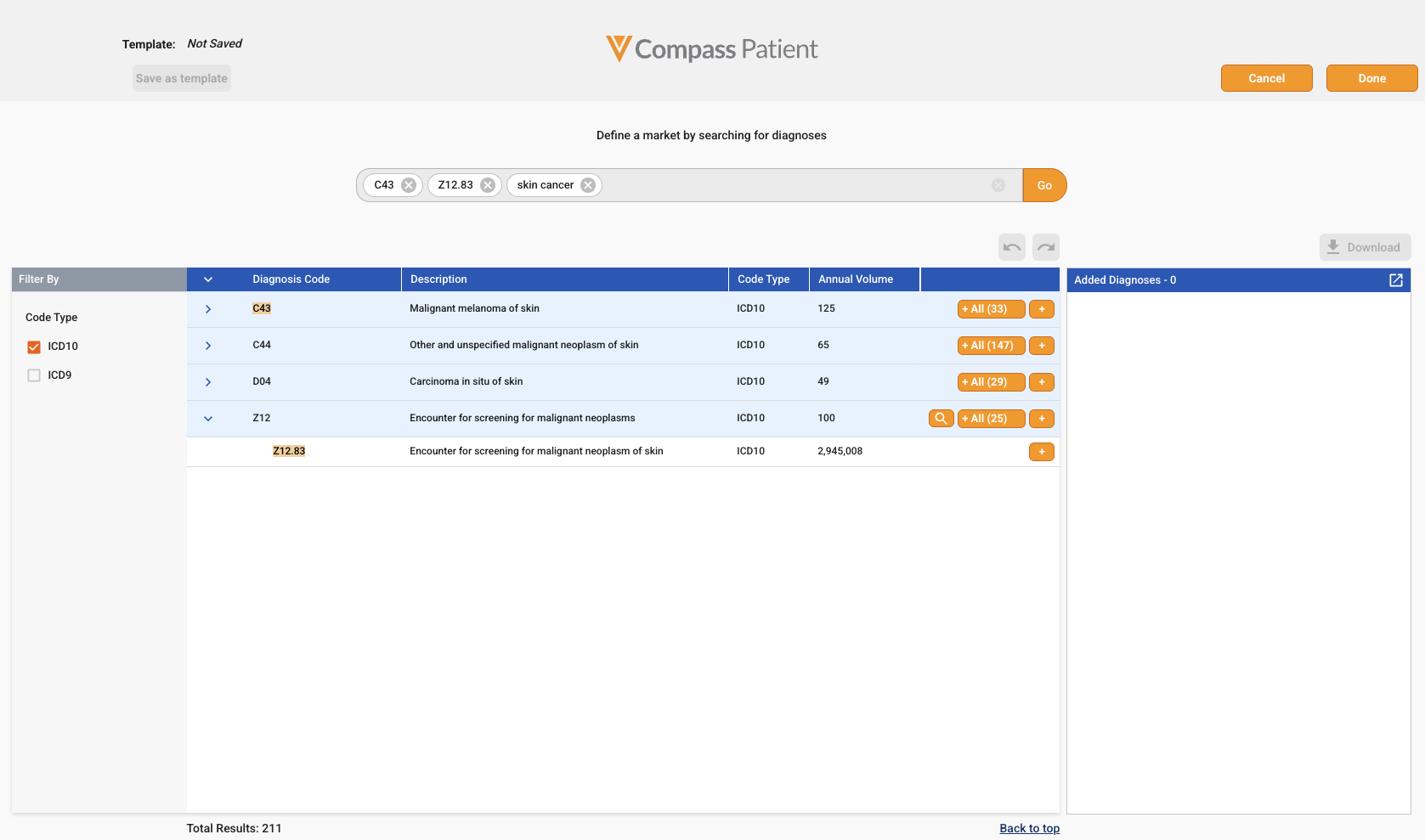
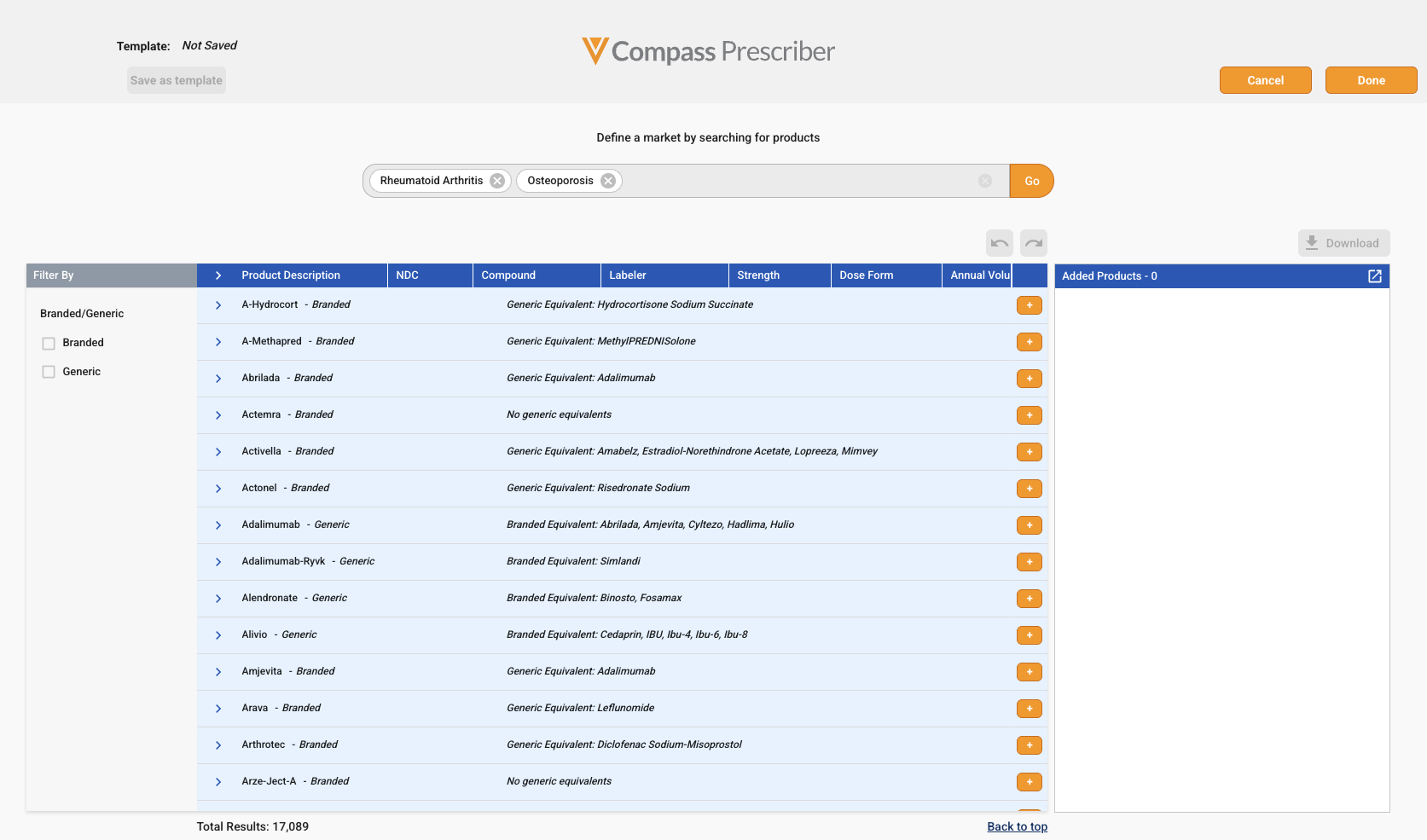
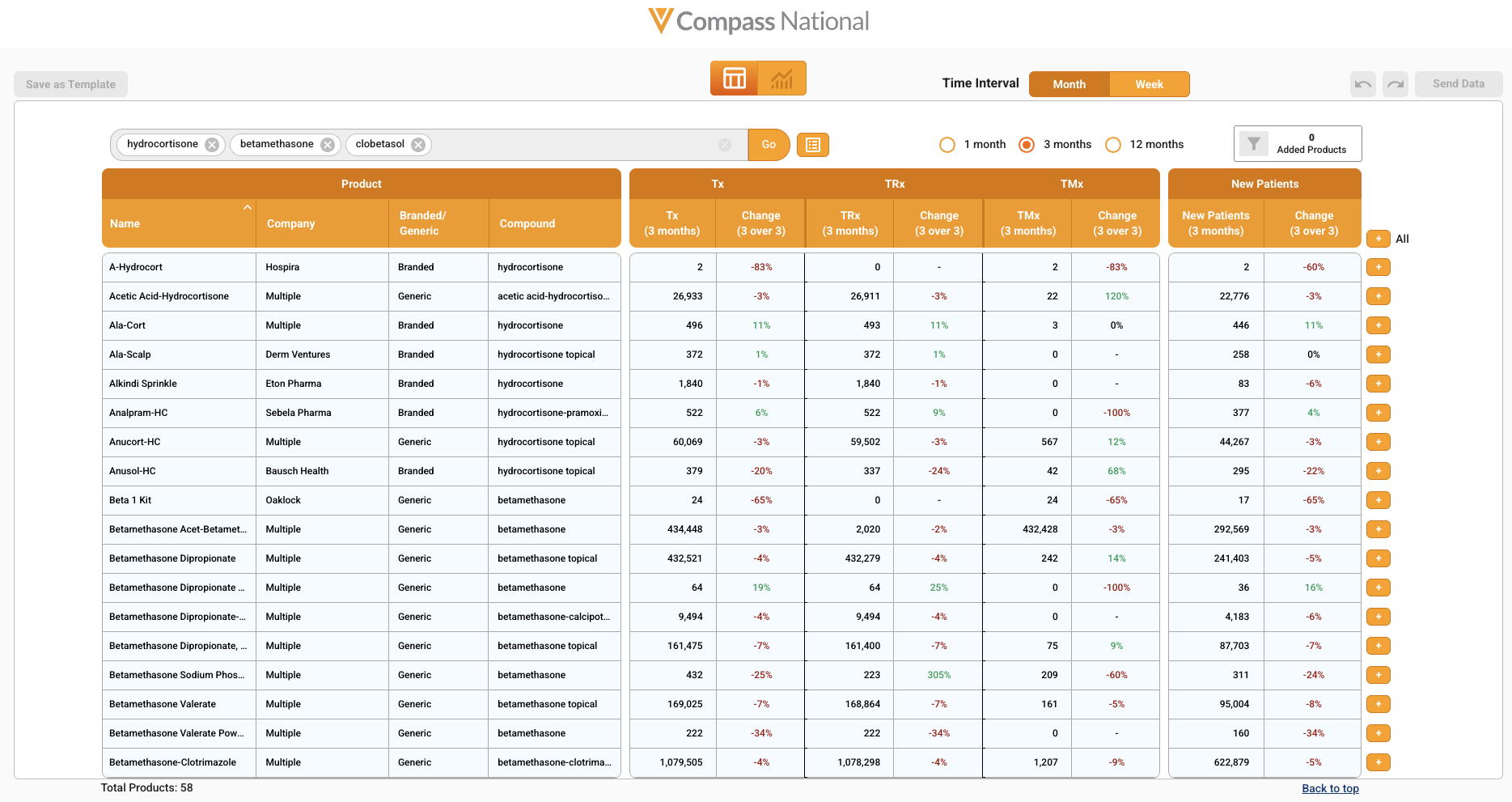
Compass Patient, Prescriber, and National now support searching for multiple terms simultaneously. These terms can be a mix of codes, descriptive words, or Disease Areas if applicable, for a broad return of results of interest.
To start a multiple term search, type a term into the search bar and press “tab” or “enter” to encapsulate it. Then, repeat this process for all desired terms. Alternatively, copy and paste a list of terms from a spreadsheet or text document. Terms on separate lines will automatically be encapsulated upon pasting. Once all terms are entered, click the “Go” button or press “Enter” again to run a search.
Below are examples of multiple term searches across Compass Explorer applications.
Compass National
Disease Area Search
Users now have the ability to search by Disease Area in Compass National, which will return Products indicated for treatment for that disease. This makes it quick and easy to generate a broad market basket with one search term.
Users can navigate to the product search in Compass National. Enter the name of the desired disease area to return the full list of products approved for that condition. A list of all Disease Areas is available in our Data Dictionary.
Veeva has pre-built mappings to translate Disease Areas into a comprehensive list of products, making the search easy and reliable. Product Disease Areas are available for products included in National that have over 100 claims.