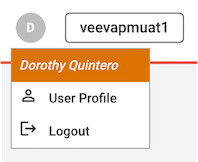
The User Profile allows users to view and edit their user information. The User Profile can be accessed by clicking on the user initial icon in the upper-right corner of the Compass navigation bar, then selecting “User Profile” in the drop-down menu.
The General Information section displays information such as username, email, title, and timezone for the logged in user. The Groups section displays the list of groups that the logged in user is a member of.
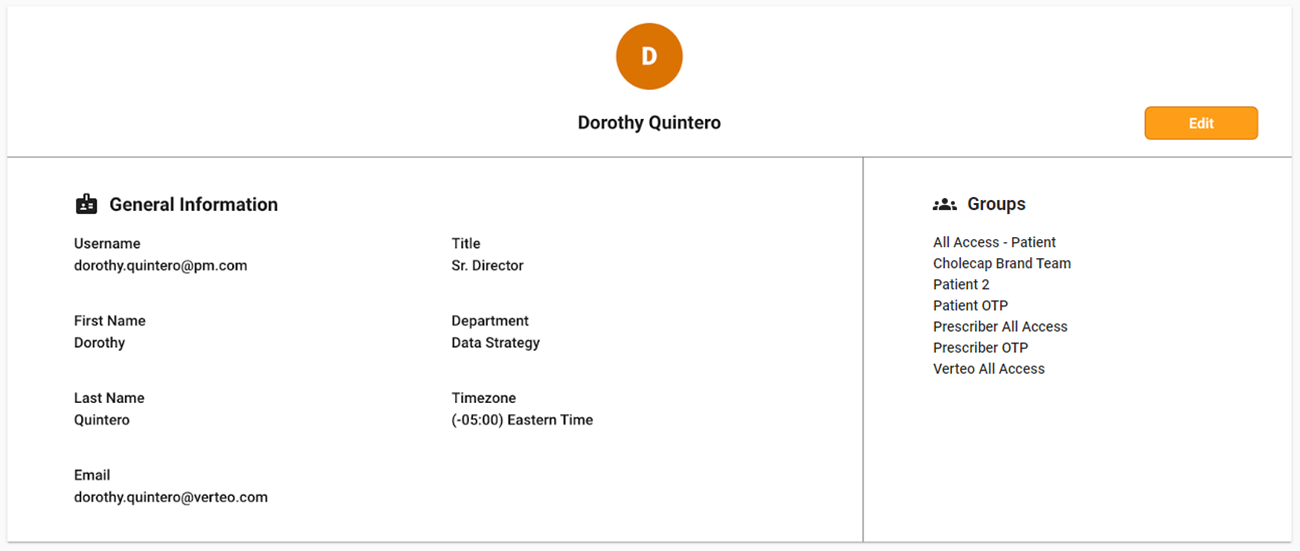
Users can edit their own information by clicking the Edit button. Once you have finished editing information, click on Save. Click Cancel to exit without saving your changes.