We are excited to announce the 22R1.2 Release. The new capabilities delivered include:
Move to veevacompass.com
For accessing the Portal - begin using veevacompass.com
The Portal will now be accessible via veevacompass.com as the primary site.
Veevadatacloud.com will redirect to veevacompass.com. Eventually veevadatacloud.com will be disabled.
For accessing the SFTP site, being using: sftp://transfer.veevacompass.com
The SFTP site will now be accessible via sftp://transfer.veevacompass.com as the primary SFTP site. Both sftp://transfer.veevadatacloud.com and sftp://transfer.veevacompass.com endpoints will both be accessible pointing to the same data. Eventually sftp://transfer.veevadatacloud.com will be disabled.
For those whitelisting on VPN, update to the new site and/or IP addresses
For those whitelisting Veeva Compass on VPN, updates may be needed to ensure users can access the Portal and SFTP site while on VPN. Some VPN systems require URL or IP addresses to be added to the allowable list; otherwise users will be blocked from accessing veevacompass.com and the SFTP site while on VPN.
Allowable Sites & IP Addresses to enable for VPN access:
- DNS for Portal web traffic
- *veevacompass.com
- *.veevacompass.com
For IP Addresses for SFTP access, please contact your Veeva Customer Success Manager or the Product team.
Compass Patient
Excel Delivery
In order to help business users more quickly and easily access Patient data, an Excel file will be automatically created and made available in the Portal for all jobs with fewer than 800k records.
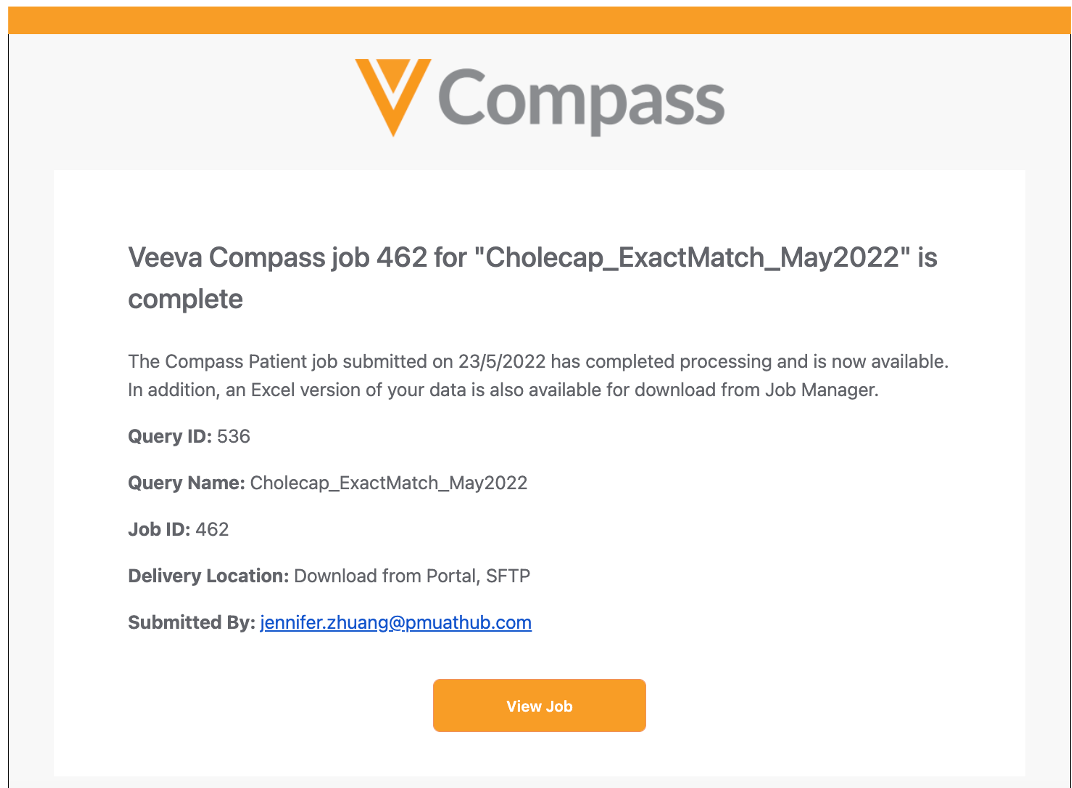
When an Excel file is available for a delivery, the user will be notified via email upon job completion. This Excel file will be provided in addition to the CSV file in your choice of destination. Excel Delivery applies to both one-time pulls and monthly scheduled jobs.
Job Summary File and Portal Download
The Job Summary file is now available for each Patient job and allows a user to easily view information about the job, such as qualification criteria, time frame, codes included, as well as statistics on the data (number of records, patients, HCPs).
The Excel file is available via the Download Job Summary button on the Job Receipt in the Portal, as well as delivered with your data to your delivery destination.
The Job Summary file replaces the previous Qualification Criteria and Summary Statistics files.
